Private service, customer-governed access.
The public internet is not the front door. Approved office and remote users enter through customer-controlled network and identity controls.
See the reference architecture on the deployment and security page.
Who can connect—and how.
Names, network segments, controls, and ownership are confirmed in the final design. Skilak does not assume authority over the customer’s identity or remote-access policy.
- Office employee — Managed device → customer LAN → private DNS/HTTPS → Skilak Keep interface · Customer IT governs the device, network segment, identity, and user approval.
- Remote employee — Managed device → MFA → customer VPN or ZTNA → private DNS/HTTPS → Skilak Keep interface · Customer IT governs remote-access posture. The interface remains private.
- System administrator — Privileged workstation or admin segment → management interface → approved systems · Administrative access is separated, limited, and documented.
- Skilak support — No standing access by default; approved session or customer-operated procedure when support is required · The support path and authorization are agreed in the operating model.
Site discovery
What Skilak needs from the customer.
You do need to account for this setup—but you do not need to own every part of it. The playbook is to identify the customer owner, gather constraints, propose the design, and get approval before making changes.
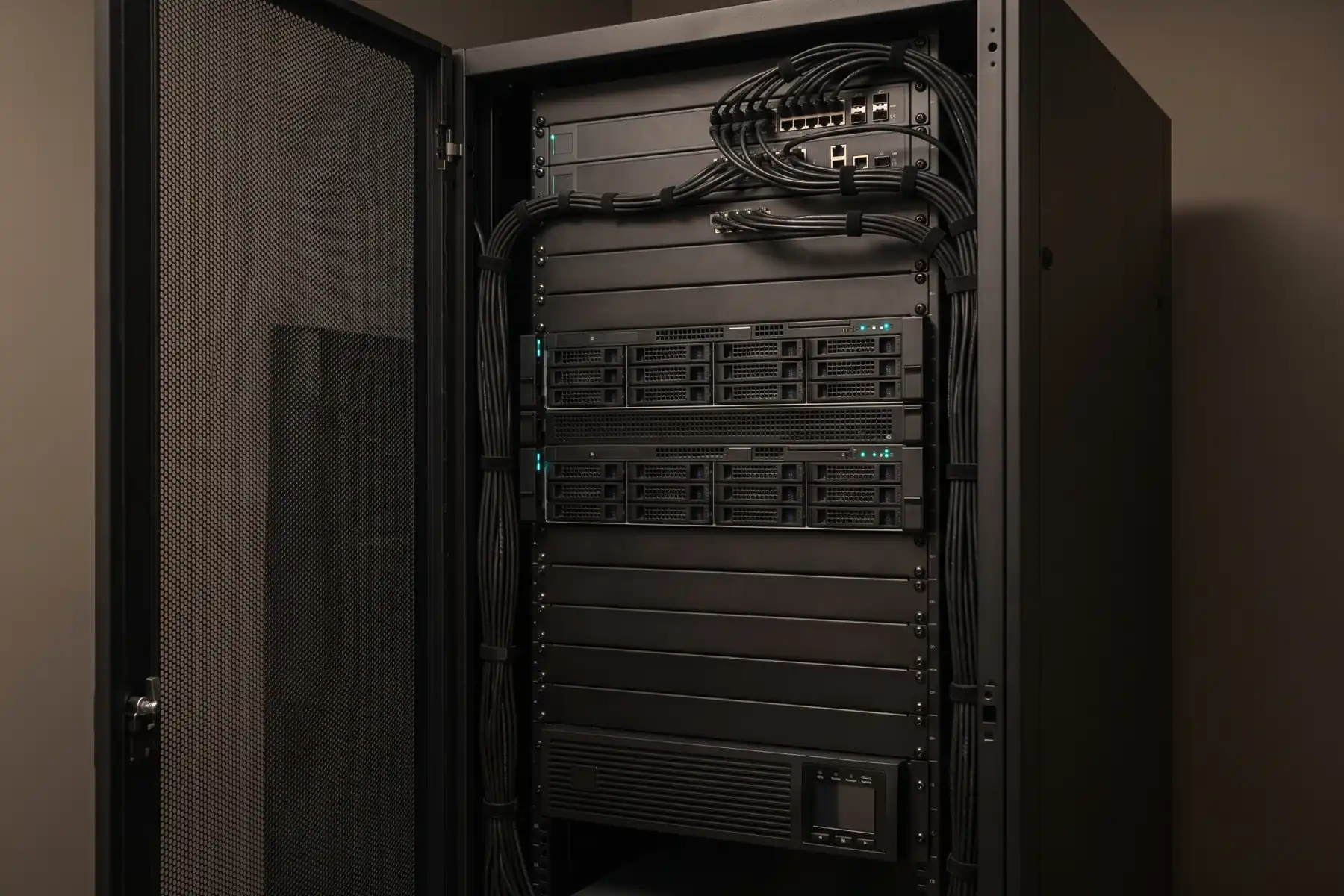
- Proposed room, rack or floor placement, available rack units, power, cooling, and physical access controls
- User VLANs, server VLAN, management network, DNS, certificates, proxy, firewall, and time servers
- Local accounts or enterprise identity, group ownership, MFA, admin separation, and offboarding
- Remote-access method, managed-device requirements, route availability, and user support ownership
- Approved outbound destinations for identity, updates, monitoring, or support—or a fully disconnected operating decision
- Backup target, recovery ownership, logging destination, retention rules, and maintenance windows
Your working boundary
What Skilak touches.
Skilak stages the system, installs and configures its software, connects it to customer-approved systems, applies the agreed host and application configuration, validates the paths, and documents the result. Customer IT owns switches, firewalls, identity, endpoint policy, WAN/VPN/ZTNA, facilities, and authorization unless the statement of work assigns a specific task otherwise.
See the full delivery lifecycle