Resources
Understand it before it gets technical.
Use these guides to align business, IT, security, and facilities stakeholders around the same system boundary.
Buyer and operator resources
Answers for the whole room.
Available resources open directly. On-request worksheets are delivered through a short discovery exchange so they can be matched to the engagement.
On-premises AI: a buyer's guide.
A practical, hype-free guide to buying private AI you run yourself—what it is, the workloads that work today, what stays inside your network boundary, how to size it, and what evidence to demand before you accept a system.
Open resourceFour ways to run AI on data that cannot leave.
Most comparison pages are written by a vendor who wins every row. This one is not. Three of the four options below are better than us for some buyer, and this page says which buyer and why.
Open resourceZero-egress AI: how we prove nothing leaves.
Almost every on-premises AI vendor says the same thing—your data never leaves. That sentence is easy to write and impossible to trust on its own. Here is how a claim becomes evidence you can watch at your own firewall.
Open resourceKeep evidence, measured and published.
Real tests, named hardware, dated results. Read the method, the numbers and the limits of each setup, including failed and partial outcomes.
Open resourceWhere the box lives—and every path around it.
This is the plain-language view you can draw with a customer before the detailed network diagram exists. It defines the physical site, the user paths, the optional outbound paths, and who owns each decision.
Open resourcePrivate AI readiness checklist
The users, workloads, facilities, identity, security, and support decisions to settle before hardware is ordered.
Request resourceWorkload discovery worksheet
A structured way to identify the first workflows worth testing and the evidence required to approve them.
Request resourceCommon questions
The practical answers.
Every final design is customer-specific. These answers establish the default operating pattern.
Where does the machine physically live?
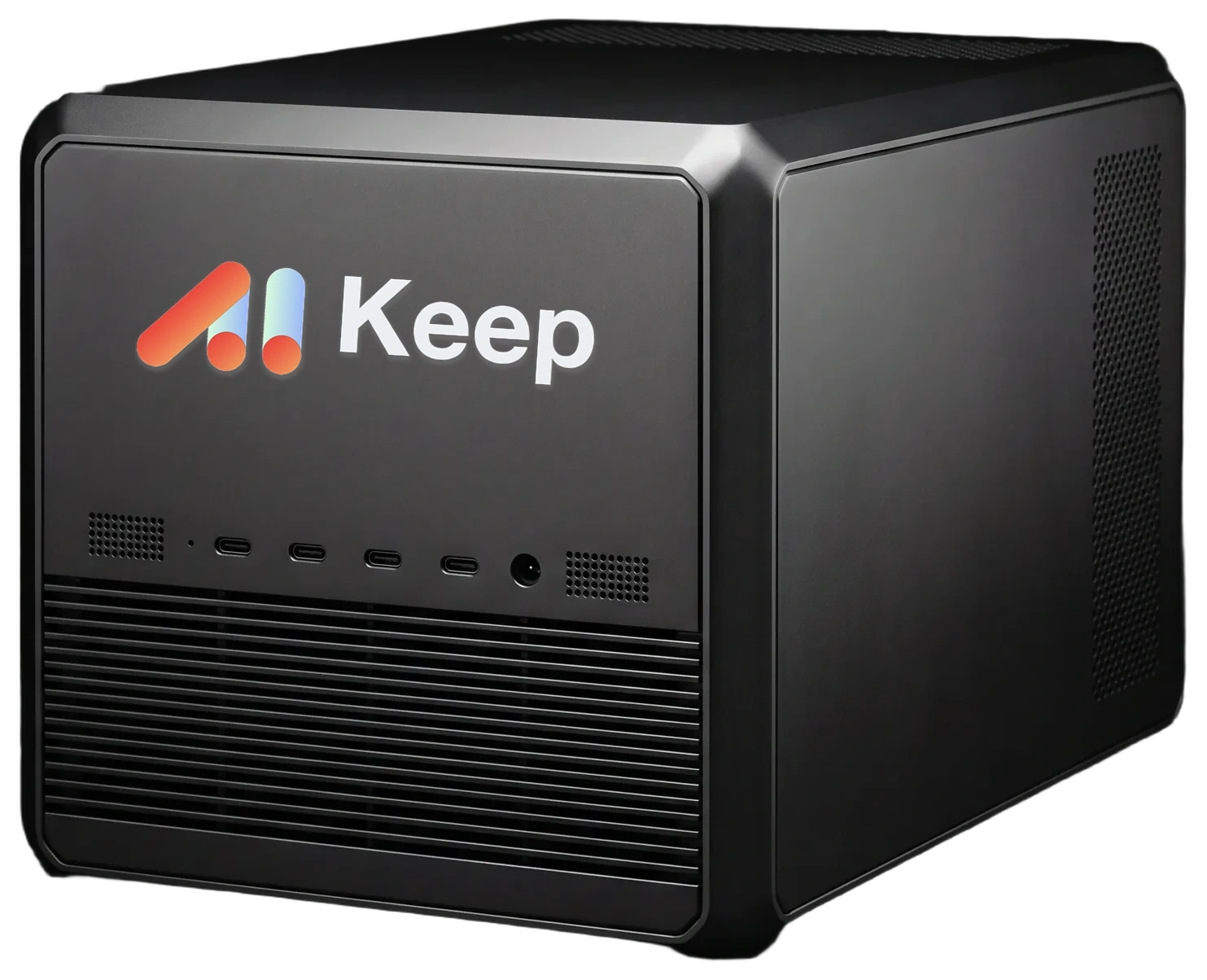
In your building—in an office, a locked server room, or a secure network closet. You own the hardware outright.
How do users connect to the server?
Over your local network via private HTTPS. Each user has their own session. Remote staff connect through your existing corporate VPN or zero-trust access.
Does it keep working with the internet unplugged?
Yes. Model weights, the inference engine, and document retrieval all run on the local hardware. Unplugging the network cable during generation is step three of our acceptance test.
What happens when a newer open-weight model is released?
You can switch. Keep runs open-weight models, so when a better one is released we help you evaluate it and move to it if it is worth it.
What if the system fails the acceptance test?
If the system does not produce the agreed token throughput for your configured concurrent workload, continue working with the cable unplugged, and prove zero egress in the logs, we fix it or you return the hardware and we refund everything but shipping. That is our entire guarantee.
Who has access to the server once installed?
Only the people you authorize. There is no vendor back door, no telemetry phone-home, no secret administrative account, and no persistent external tunnel. Removing Skilak is a firewall rule, not a migration.
Does buying Skilak Keep make us compliant?
No. No product creates compliance by itself. Skilak Keep is designed to operate inside your existing controls, policies, and evidence requirements; certification and accountability remain with your security program.
Still mapping it?
Put the open questions on one page.
A discovery briefing is built to clarify the physical site, users, data, access, workload, and approvals, not force a premature hardware decision.